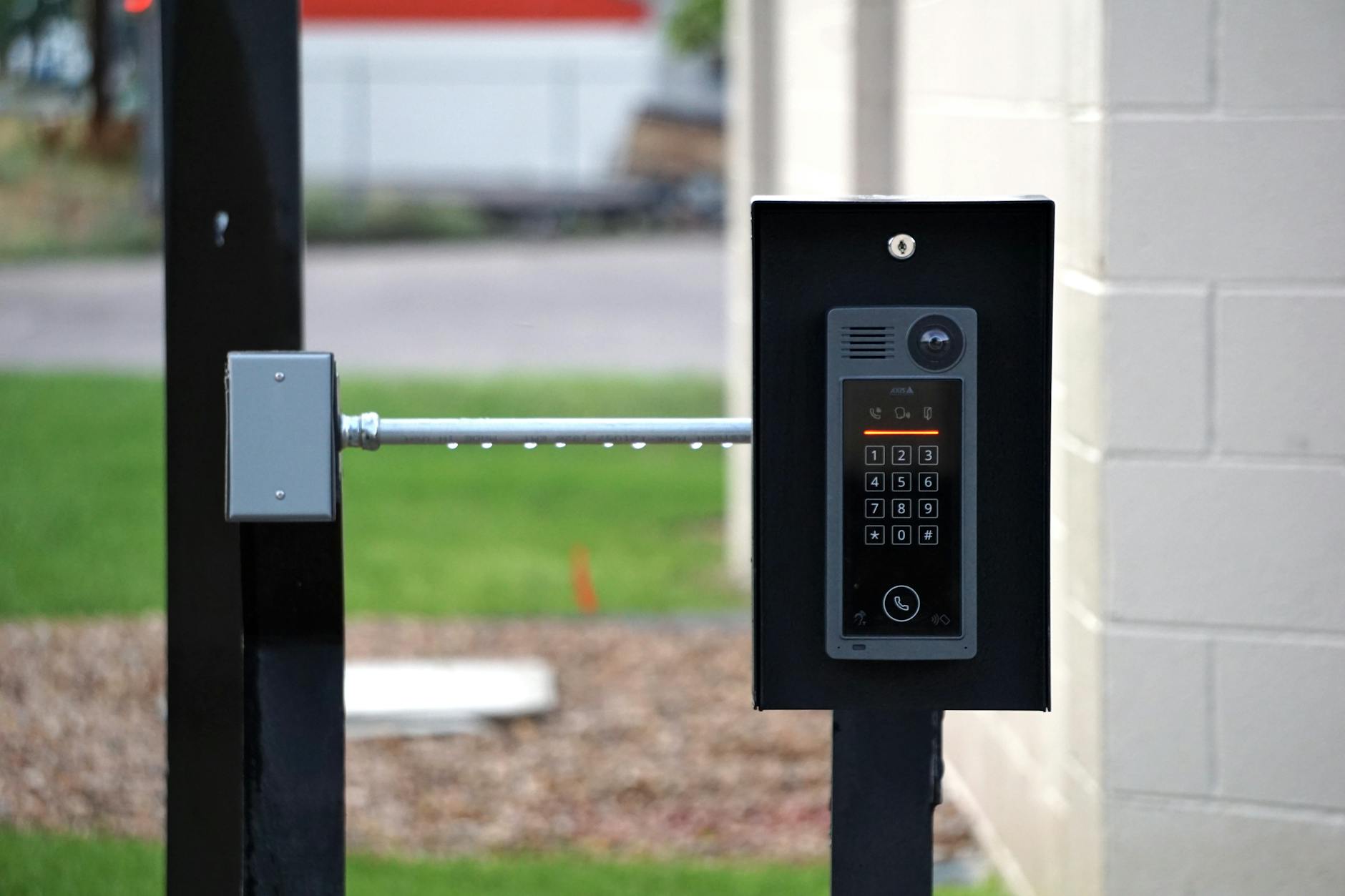
Who’s at the Door? A Practical Guide to Doorbell Cameras, Visitor Alerts, and Privacy
Doorbell cameras have become increasingly popular for home security and convenience. This guide will help you navigate the market, understand essential features, and make informed decisions while prioritizing your privacy.
Why Doorbell Cameras Matter in 2025
Doorbell cameras offer enhanced security and peace of mind. In 2025, their adoption continues to rise:
- Broad Adoption: Approximately 26 million U.S. households (around 20%) currently use video doorbells for security purposes.
- Market Growth: The global doorbell camera market was valued at USD 1.772 billion in 2023 and is projected to reach USD 4.628 billion by 2030, showing a significant compound annual growth rate (CAGR) of 14.8% from 2024 to 2030.
- Privacy Concerns: Despite their benefits, privacy remains a concern, with 48.9% of users perceiving a risk of hacking and 93% stating they would not install a smart doorbell that collects or sells personal data.
- Competitive Gaps: Many current offerings lack clear, side-by-side comparison criteria, often use abbreviated information, and tend to underemphasize crucial aspects like privacy, data security, and the true cost of cloud storage.
This guide aims to provide a scannable buying framework, explicit model comparisons, highlight privacy-first practices, and offer transparent cost projections to address these issues.
Essential Buying Criteria for Doorbell Cameras
Doorbell cameras are a quick way to boost home security and capture clear evidence. Use this checklist to compare models and distinguish marketing hype from actual value.
| Criterion | What to Look For | Why It Matters |
|---|---|---|
| Resolution | 1080p is common; 2K or higher delivers clearer faces at a distance, especially with varying porch lighting. | Sharper video helps identify faces and details from afar, improving footage reliability, particularly in imperfect lighting. |
| Field of View | Typically around 140°–160°. | A wider view reduces blind spots at the doorway and captures more of the approach path. |
| Power Options | Battery-powered vs. wired power. | Battery-powered cameras are easier to install; wired power provides consistent performance and longer operational life. |
| Storage and Access | Cloud storage with a per-device subscription; local storage options where supported. | Consider data retention durations, ongoing costs, and how you will access previous clips. |
| Privacy Controls | On-device processing when possible; customizable privacy zones; end-to-end encryption (in transit and at rest) where available. | Protects your privacy and reduces false positives; encryption helps keep footage secure. |
| Smart Home Compatibility | Works with Alexa, Google Assistant, and Apple HomeKit where relevant. | Seamless routines, voice control, and integration with other devices are important for everyday use. |
| Motion Detection and Alerts | Customizable motion zones; person/delivery detection; latency under 1–2 seconds when possible. | Provides timely, relevant alerts without overwhelming false alarms. |
| Two-Way Audio and Siren | Quality microphone and speaker; optional built-in siren. | Enables direct communication with visitors and can act as a deterrent when needed. |
| Weather Resilience | IP66/IP65 rating; suitable operating temperature range for your climate. | Ensures reliability in various weather conditions (rain, snow, heat) and contributes to overall longevity. |
| Total Cost of Ownership | Hardware price plus monthly/annual subscription; factor in potential price increases. | Focus on long-term value, not just the initial purchase price. |
Tip: Tailor your choice to your specific needs, including porch lighting, local climate, and your preferred method of using footage—live viewing, automated alerts, or evidence collection. A model that best fits your setup will feel intuitive from day one.
Model Matrix: Top Doorbell Cameras Compared
Here’s a comparison of popular doorbell camera models:
| Model | Video / Resolution | Field of View | Power | Storage | Price | Privacy | Compatibility |
|---|---|---|---|---|---|---|---|
| Model A (Doorbell-Brand A) | 1080p HD | 160° | Battery or wired | Cloud (monthly plan) | $99–$199 | Local processing, two-factor login | Alexa/Assistant |
| Model B (Doorbell-Brand B) | 2K | 140° | Wired only | Cloud (annual plan) | $149–$249 | End-to-end encryption | Google Assistant, HomeKit |
| Model C (Doorbell-Brand C) | 1080p with 1.5x zoom | 150° | Battery | Local storage (via hub) | $120–$180 | Local storage reduces cloud risk | Major ecosystems |
| Model D (Doorbell-Brand D) | 1080p/2K hybrid | 160° | Battery or wired | Cloud + local (hybrid) | $130–$230 | Privacy zones, encrypted comms | Not specified |
| Model E (Doorbell-Brand E) | 1080p entry-level | 120°–140° | Battery | Cloud-only | $60–$120 | Basic privacy controls | Major assistants |
Privacy, Data Security, and Long-Term Costs: A Privacy-First Approach
When choosing a doorbell camera, prioritizing privacy and security is paramount. Consider the following:
Pros of Privacy-Focused Features:
- Reduced Cloud Exposure: On-device processing and local storage minimize reliance on cloud services, enhancing privacy and data security.
- Robust Security Measures: Look for two-factor authentication, strong password policies, account isolation, and device-level encryption.
- Cost Savings with Local Storage: Where available, local storage options can significantly reduce ongoing subscription costs.
- Vendor Transparency: Choose vendors with clear privacy policies that detail data usage, retention, and sharing, and offer opt-out options for data sales.
Cons and Potential Risks:
- Privacy Risk Hesitancy: Approximately 48.9% of users perceive doorbell cameras as privacy risks due to potential hacking. A significant 93% avoid systems that capture or sell personal data.
- Accumulating Cloud Storage Costs: Typical per-device cloud plans range from $3–$10 per month, with annual commitments offering potential savings but locking users into long-term subscriptions.
- Local Storage Limitations: While beneficial for privacy and cost, local storage options often depend on additional hardware (like a hub) and may limit the convenience of remote access and footage sharing.
- Accessibility Trade-offs: On-device processing and local storage can sometimes limit how easily footage can be accessed or shared, especially for multi-user households.
practical-guide-to-understanding-and-using-prompts/”>practical Buying Checklist and Next Steps
Follow these steps to make an informed purchase:
- Compare Features: Use a side-by-side comparison of the buying criteria to filter your options based on your needs.
- Estimate Total Cost: Calculate the 12-month ownership cost (hardware price + 12 months of cloud fees) and compare it with local storage alternatives.
- Verify Privacy Settings: Before installation, check and enable privacy features such as 2FA, set up privacy zones, review data sharing policies, and confirm encryption protocols.
- Check Reliability: Choose models with strong reliability and low latency reviews. Longer warranties and clear return policies are also beneficial.
- Ensure Compatibility: Consider smart-home ecosystem compatibility to streamline your experience and avoid managing multiple apps.
By following this guide, you can select a doorbell camera that enhances your home security without compromising your privacy.
Leave a Reply