Arduino for Beginners: A Practical Guide to Projects and Key Adoption Statistics
In the world of DIY tech, the viral gadget hacks that spark curiosity usually start with a friendly gateway. Arduino is that entry point: open, collaborative, and built for turning curiosity into tangible prototypes fast.
What is Arduino and Why This Beginner buying-an-arduino-how-to-choose-the-right-model-where-to-buy-and-tips-to-save/”>guide Works
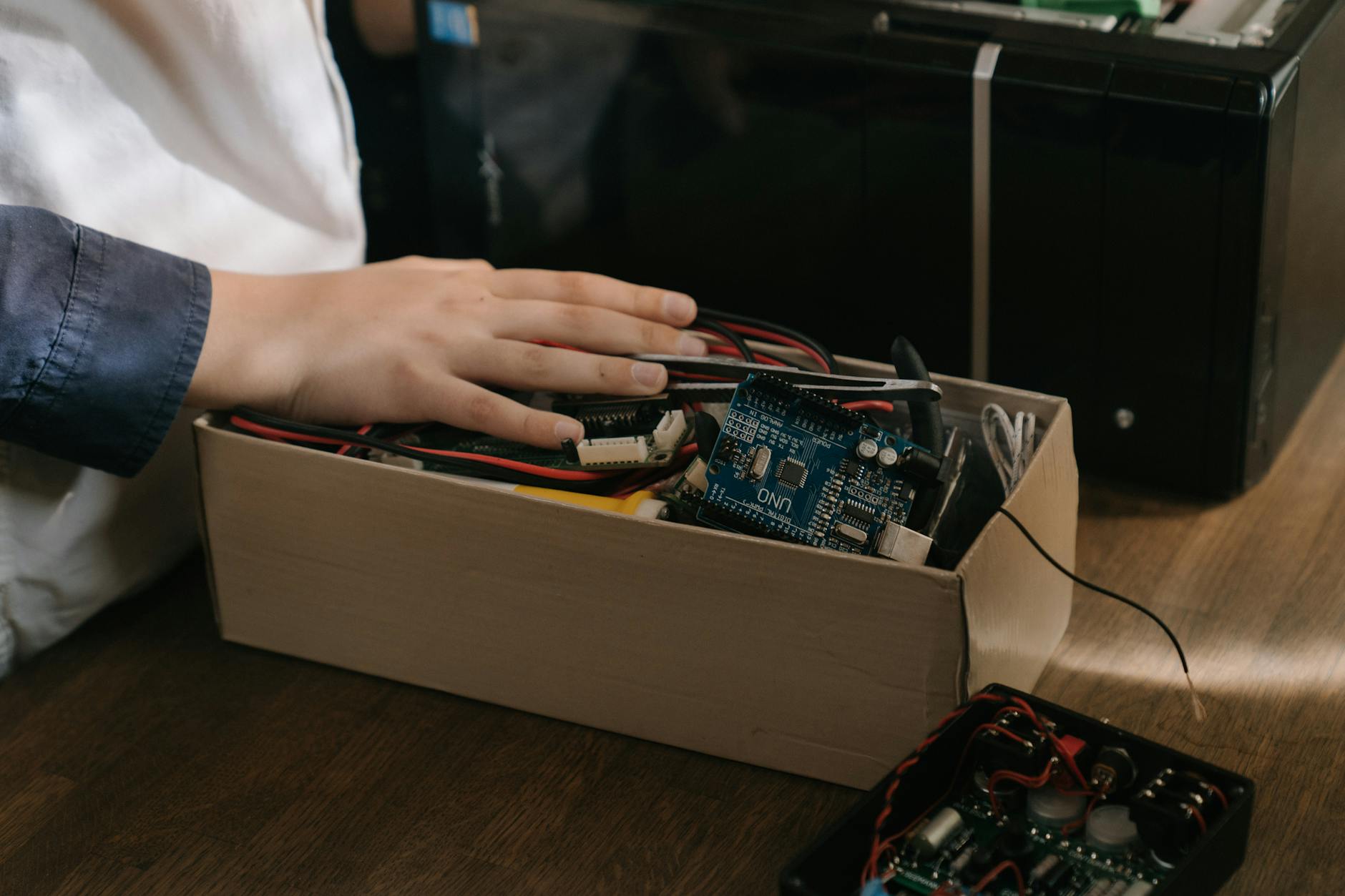
Arduino is an open-source platform, meaning both its hardware and software are openly available, making experimentation approachable. A vast community shares tips and a library of example sketches you can remix. The hardware and software are designed to be approachable, the Uno Rev3 is a trusted launchpad, and a rich ecosystem of libraries, examples, shields, and tutorials is waiting to help you ship your first project—and your first smile—much sooner than you’d expect.
Why Arduino is Ideal for Beginners
- Open-source platform: Facilitates experimentation and community collaboration.
- The starting board: Arduino Uno Rev3: Balances affordability with a solid number of I/O pins and a thriving ecosystem of tutorials and shields.
- The ecosystem: Official libraries, example sketches, shields, and a robust set of online resources accelerate hands-on learning.
Learning Path: From Blinking LED to Basic Sensors and Actuators
In maker culture, big ideas often start with tiny, observable wins. This learning path is built around eight progressive projects that mirror how trends spread: quick, tangible results first, then bigger systems that respond to real-world data. Start with a single blink, and you’ll end with a tiny autonomous circuit you can explain in two sentences at a coffee shop.
Project 1: Blink an LED using digitalWrite on pin 13
What you learn: The setup() and loop() structure, basic digital output, and the rhythm of a simple program. You’ll see how code translates into a hardware action in real time.
Why it matters: It’s the gateway moment that makes everything feel possible—proof that your ideas can wake up a circuit.
Tips: Use a resistor with the LED (around 220–330 Ω). Pin 13 is a great default on many boards and helps you spot a working connection quickly.
Project 2: Fade an LED with PWM using analogWrite
What you learn: Pulse-width modulation (PWM) and how varying the duty cycle changes brightness. You also get a feel for timing without heavy delays.
Why it matters: PWM is a basic tool for controlling motors and LEDs with nuance—opening the door to smooth, responsive interactions.
Tips: Experiment with different fade rates (timing) to hear and see the tempo of your code. Make sure you’re using a PWM-capable pin.
Project 3: Read a pushbutton with debounced input
What you learn: Digital reading, simple state management, and the importance of debouncing to avoid false triggers.
Why it matters: User input is noisy in the real world. Debouncing teaches you to design interfaces that feel reliable.
Tips: Try both hardware and software debouncing approaches. A quick software timer (ignoring repeated reads for a few milliseconds) often works well.
Project 4: Read a potentiometer and map the input to LED brightness or a display value
What you learn: Reading analog inputs, scaling values, and mapping ranges (use map() or a simple linear transform).
Why it matters: You gain hands-on experience with continuous inputs, which are the heartbeat of many interactive projects.
Tips: Start by mapping potentiometer values to 0–255 for LED brightness, then explore mapping to a numeric display if you have one.
Project 5: Control a small servo or DC motor
What you learn: Actuators, timing, and how to drive something that moves. You’ll also introduce basic timing considerations for moving parts.
Why it matters: Turning a signal into physical motion is the bridge between code and the real world—an essential step toward systems thinking.
Tips: If using a servo, consider the Servo library for simplicity. If using a DC motor, you’ll need a driver and a flyback diode to protect the circuit.
Project 6: Read a temperature sensor (e.g., TMP36) and log data to the Serial Monitor
What you learn: Converting analog voltage to temperature, sampling sensors, and debugging with serial output.
Why it matters: Sensing introduces data storytelling—the first step toward meaningful feedback loops in any system.
Tips: Remember the TMP36 provides a voltage proportional to temperature. Calibrate by comparing known temperatures and adjusting your conversion formula.
Project 7: Build a simple temperature/humidity or light-sensing project and display results
What you learn: Combining sensors with a basic output (LED or an LCD) to present results clearly.
Why it matters: Multisensor projects begin to resemble real-world dashboards—readouts you can glance at and understand quickly.
Tips: Start with a single sensor and a single display method. If you don’t have an LCD, an LED blink pattern or color change can still convey values in a fun, accessible way.
Project 8: Integrate multiple components into a tiny autonomous project
What you learn: Systems thinking—coordination among sensors, actuators, and logic to achieve a goal (e.g., light-following or object detection).
Why it matters: The thrill of a small, self-contained system mirrors how real-world devices operate, turning isolated skills into a cohesive craft.
Tips: Start with a clear behavior (e.g., “follow the light”). Test each component in isolation, then connect them to see how they cooperate. Keep expectations incremental to avoid overwhelming complexity.
Common Beginner Guide Weaknesses and How This Plan Addresses Them
- Clear, sequential path: From zero to 10 beginner projects with estimated time per project and milestones.
- End-to-end project recipes: With circuit diagrams, breadboard layouts, complete code, and explicit testing steps.
- UNO-based starter-board focus: To avoid overload and enable quick wins, with plans for alternatives later.
- Plain-language explanations: Of electronics concepts (voltage, current, resistance, Ohm’s law) with real-world analogies and visuals.
- Robust debugging and troubleshooting guidance: Including wiring mistakes, library conflicts, compile/upload issues, plus checklists.
- Clear safety and best-practice guidelines: For powering boards, feeding sensors, and handling 5V logic to reduce risk.
Comparing Arduino Boards for Beginners
| Board | Digital I/O | Analog | Clock | Flash | RAM | Price | Pros | Cons |
|---|---|---|---|---|---|---|---|---|
| Arduino Uno Rev3 | 14 | 6 | 16 MHz | 32 KB | 2 KB | US$22 | Broad compatibility, huge library ecosystem, abundant tutorials | Limited RAM for larger projects |
| Arduino Nano (ATmega328P) | 22 | 8 | 16 MHz | 32 KB | 2 KB | US$12–US$15 | Compact form factor, breadboard-friendly | Smaller physical footprint can be fiddly for beginners |
| Arduino Mega 2560 | 54 | 16 | 16 MHz | 256 KB | 8 KB | US$35 | Many I/O pins for larger projects | Bulky and more complex for beginners |
| ESP32-based Arduino-compatible boards | 34+ | 18 | Up to 240 MHz | 4–8 MB | N/A | US$5–US$10 | Built-in Wi-Fi/Bluetooth, strong performance | More complex toolchain and less standardized for absolute beginners |
Hands-on Projects and a Practical Learning Toolkit
Starter Toolkit Essentials
A starter toolkit typically includes: a USB cable, breadboard, a compact set of LEDs (assorted colors), resistors (220 Ω and 1 kΩ), jumper wires, a multimeter, and a basic display (optional LCD or OLED) to visualize data.
Code and Workflow
Provide minimal, well-commented sketches, with a separate schematic and breadboard layout image. Each project should include a circuit diagram, wiring steps, code, and a quick test plan.
Testing and Debugging
Utilize Serial.println() to monitor variables, verify sensor readings, and isolate issues step-by-step.
Safety and Ethics
Always avoid applying voltages beyond rated limits, disconnect power before making wiring changes, and respect local safety guidelines when powering projects.
Project Progression
Begin with a simple LED blink, then add inputs (buttons, potentiometers) and outputs (LED brightness, servo control) before combining multiple modules into a single system.
Common Beginner Pitfalls
Ensure the correct board and port are selected in the IDE, double-check wiring against the diagram, and verify power supply limitations (5V logic, avoid overloading pins).
Market Context
The Arduino-compatible market is expected to grow at a 7.1% CAGR from $405.4 million in 2023 to $655.3 million by 2030.
Leave a Reply