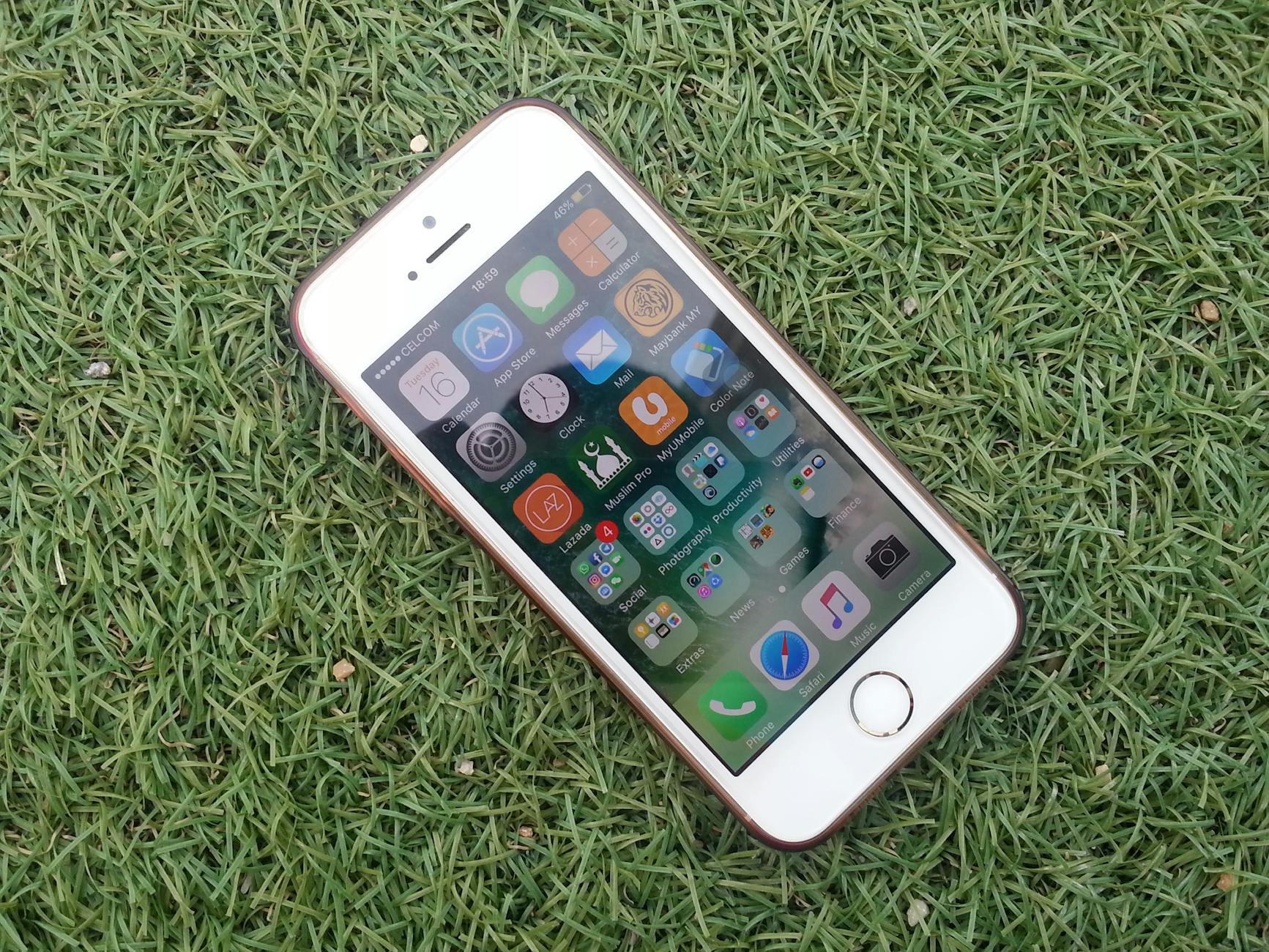
iOS: The Ultimate Guide to Apple’s Mobile OS
When a phone feels effortless to use, it’s usually because a layered security routine is quietly doing heavy lifting in the background. iOS builds a safe, scalable ecosystem by keeping apps separate, verifying what runs on the device, and storing secrets in a hardware-backed vault. Here’s how the core pieces come together.
Key Takeaways for iOS Enthusiasts
- Strict sandboxing and mandatory code signing limit cross-app data leaks and tampering.
- Face ID/Touch ID rely on the Secure Enclave for hardware-backed cryptography.
- User privacy is prioritized via app tracking transparency prompts and privacy indicators.
- Over-the-air updates push security patches quickly across devices, reducing exploit exposure.
- Apple’s curated App Store reduces malware and promotes consistent app behavior.
- Swift/SwiftUI with Xcode and TestFlight enable rapid, high-quality iOS development in a cohesive toolchain.
Security Architecture: Sandboxing, Code Signing, and the Secure Enclave
iOS builds a safe, scalable ecosystem by keeping apps separate, verifying what runs on the device, and storing secrets in a hardware-backed vault. Here’s how the core pieces come together.
| Component | What it does | Why it matters |
|---|---|---|
| Sandboxing | Each app runs in its own sandbox with strict file-system permissions. Apps are isolated from one another and from the system data, with controlled access to resources. | Limits data access and minimizes the blast radius if an app is compromised. It’s the digital equivalent of everyone having their own private locker and access rules. |
| Code signing | All iOS apps must be code-signed and verified before installation to ensure authenticity and integrity. Apple checks the signature, certificate, and entitlements during install and updates. | Deters tampering and impersonation, helping ensure you’re running legitimate software from trusted developers. |
| Secure Enclave | A dedicated hardware-backed co-processor that handles cryptographic operations for biometric authentication (Face ID/Touch ID) and keys storage. | Provides a separate, isolated vault for keys and sensitive crypto, with biometric data never exposed to the main processor or apps—strengthening protection against theft or malware access. |
| Memory protection, ASLR, and data protection APIs | Memory protection and Address Space Layout Randomization (ASLR) make it harder for attackers to predict memory layout; data protection APIs encrypt data at rest and in use, with state-dependent protections. | Raises the bar against exploits and snooping, safeguarding data when the device is unlocked, in use, or in the background. |
| System-wide encryption | Encrypts data on the device so it remains secure even if the device is physically compromised. Keys are bound to hardware-backed roots of trust. | Ensures that sensitive information stays protected at rest, providing lasting security even if the device is lost or stolen. |
Sandboxing: Keeping Each App in Its Own Protected Bubble
In practice, sandboxing means apps can read only their own files and must ask for explicit permission to access things like photos, microphone, or location. They can’t casually peek at other apps’ data or the system internals. This isolation also constrains how apps interact, requiring safe, explicit channels to share data when needed.
Code Signing: The Gatekeeper Before Installation
Code signing is the trust handshake of the app world. Developers sign apps with certificates issued by Apple, and iOS verifies that signature and entitlements before the app runs. If something about the app changes after signing, the signature no longer matches, and the installation won’t proceed. This helps ensure what runs on your device is genuine and intact.
The Secure Enclave: Hardware-Backed Trust for Keys and Biometrics
The Secure Enclave is not just extra security gear—it’s a separate microcontroller with its own memory and cryptographic engine. It safeguards biometric verification data and cryptographic keys, performing sensitive calculations away from the main processor. Even if malware gets into the main OS, the Secure Enclave keeps the keys and biometric vaults shielded.
Memory Protection, ASLR, and Data Protection APIs: Smart, Resilient Data Handling
ASLR randomizes memory layout so attackers can’t predict where to target code or data, making exploitation harder. Data Protection APIs provide encryption for data at rest and in use, with keys tied to the device’s lock state and user authentication. These mechanisms together help ensure that sensitive information stays unreadable if the device is compromised or temporarily unattended.
System-Wide Encryption: A Fortress That Travels With You
Beyond app-level protections, iOS encrypts the entire filesystem. This means data on disk remains encrypted, and keys are safeguarded by hardware roots of trust. Even a physically stolen device has a shielded data layer, making unauthorized access substantially harder.
Put together, sandboxing, code signing, and the Secure Enclave create a layered, human-friendly security model: apps stay in their own lanes, software can’t be swapped for impostors, and secrets live in a hardware-protected vault. It’s the backbone of how iphone apps feel secure by default—without requiring constant user intervention.
Privacy Controls: ATT, App Privacy Reporting, and Data Minimization
Privacy controls are the one-page guide to what apps know about you—and they’re reshaping how we evaluate digital experiences.
App Tracking Transparency (ATT)
Apps now must ask for your explicit permission before tracking you across other apps and websites. When an app requests permission, you’ll see a clear prompt to allow or deny. Your choice sticks with that app across the ecosystem, helping you curb cross‑app profiling.
On-Device Privacy Dashboards and App Privacy Labels
These at-a-glance tools summarize what data an app can access or collect. They help you compare apps quickly and decide what you’re comfortable sharing, without digging through pages of settings.
Data Minimization and On-Device Processing
When an app can do its job on your device without sending data to servers, that’s preferable. Fewer signals leaving your phone means less exposure. Whenever possible, look for apps that handle sensitive tasks on-device (for example, offline text or speech processing).
Location Permissions and Precision Options
Location access can be set to Never, While Using, or Always. Some platforms also offer precise vs. approximate location: you can share a general area instead of exact coordinates. These settings let you balance usefulness with privacy.
Location Permission Quick-Reference
| Setting | What it means |
|---|---|
| Never | The app cannot access location data. |
| While Using | Location is collected only while you’re actively using the app. |
| Always | Location can be collected in the background as well as during use. |
Location Precision Options
| Option | What it provides |
|---|---|
| Precise Location | Exact coordinates (latitude and longitude). |
| Approximate Location | General area (e.g., city-level). |
Performance and Update Cadence: OTA Updates, Battery Management, and Longevity
Updates, charging habits, and smart scheduling work behind the scenes to keep your device fast, secure, and capable for years. Here’s how it all comes together without you having to lift a finger.
- iOS updates are delivered over the air and typically install with minimal user intervention, preserving device usability.
- Optimized Battery Charging slows aging by reducing time spent at 100% charge; charging behavior adapts to daily usage patterns.
- Background task limits and intelligent scheduling help conserve battery life without sacrificing app responsiveness.
- Apple typically provides security patches and feature updates to devices for many years, often 5–6 years after launch.
| Area | What happens | Why it matters |
|---|---|---|
| OTA updates | Updates arrive over the air with minimal prompts and downtime. | Keeps security and features current without slowing you down. |
| Battery management | Optimized Charging learns usage patterns and finishes charging to full as you’re about to use the device. | Reduces wear on the battery, extending overall longevity. |
| Background tasks | Smart scheduling and tighter limits on background work. | Preserves battery life while keeping apps responsive. |
| Longevity | Regular security patches and feature updates extend support for years after launch. | Delays hardware replacement by keeping software current and safe. |
iOS vs Competitors: A Data-Driven Comparison
| Aspect | iOS | Android / Competitors |
|---|---|---|
| Update cadence | Major updates released annually with fast security patches across supported devices. | Android updates vary by OEM/carrier, causing fragmentation and uneven security patch timing. |
| App quality and review | App Store reviews enforce stricter guidelines and sandboxing, contributing to higher control over app quality and safety. | Android Play Protect has broader app diversity but more variability in quality and malware risk. |
| Security architecture | Mandatory code signing, strict sandboxing, and Secure Enclave for biometric security. | Rely on vendor-backed security layers with varying hardware support and ecosystem integration across devices. |
| Privacy controls | Offers App Tracking Transparency (ATT) and comprehensive privacy indicators controlling data usage visibility. | Provides permissions models and settings with different granularity and user control across versions and manufacturers. |
| Developer tooling | Swift/SwiftUI with Xcode and TestFlight; strong iOS-specific development tooling and deployment workflow. | Kotlin/Java with Android Studio and Google Play Console; diverse ecosystem and tooling with varying learning curves. |
| Ecosystem integration | Deep continuity across iPhone, iPad, Apple Watch, and Mac with iCloud integration. | Android devices vary in cross-device consistency; cloud integration and ecosystem services depend on OEM and services. |
iOS Adoption, Accessibility, and Developer Guidance
Pros:
- Strong privacy-first design and robust security features help protect user data and trust.
- Seamless continuity across Apple devices (Handoff, AirDrop, iCloud) enhances productivity and user experience.
- High-quality app ecosystem due to rigorous review process and strong developer tooling (Swift, SwiftUI, Xcode).
Cons:
- Fewer options for user customization and home-screen launcher personalization compared with some alternatives.
- App distribution is largely restricted to the App Store, limiting sideloading and enterprise app deployment in some contexts.
- Higher hardware costs and a refresh cycle that can delay access to the latest devices and features for some users.
Related Video Guide
In-depth: iOS security, privacy, and performance
Leave a Reply